
10. Assembly of the NAS – Parts List
Here are plenty of photos for those who want to see the entire process in detail. You may notice that a few images appeared in earlier posts—a small teaser for what was coming.
This is the complete breakdown of how the system was assembled. I’m also grateful to everyone who previously shared their own build experiences with this type of NAS chassis, as their feedback helped me avoid a few common issues.
Below is the full list of hardware components used before any assembly took place. I’ve also included a couple of extra items that proved helpful during the build.
Hardware List
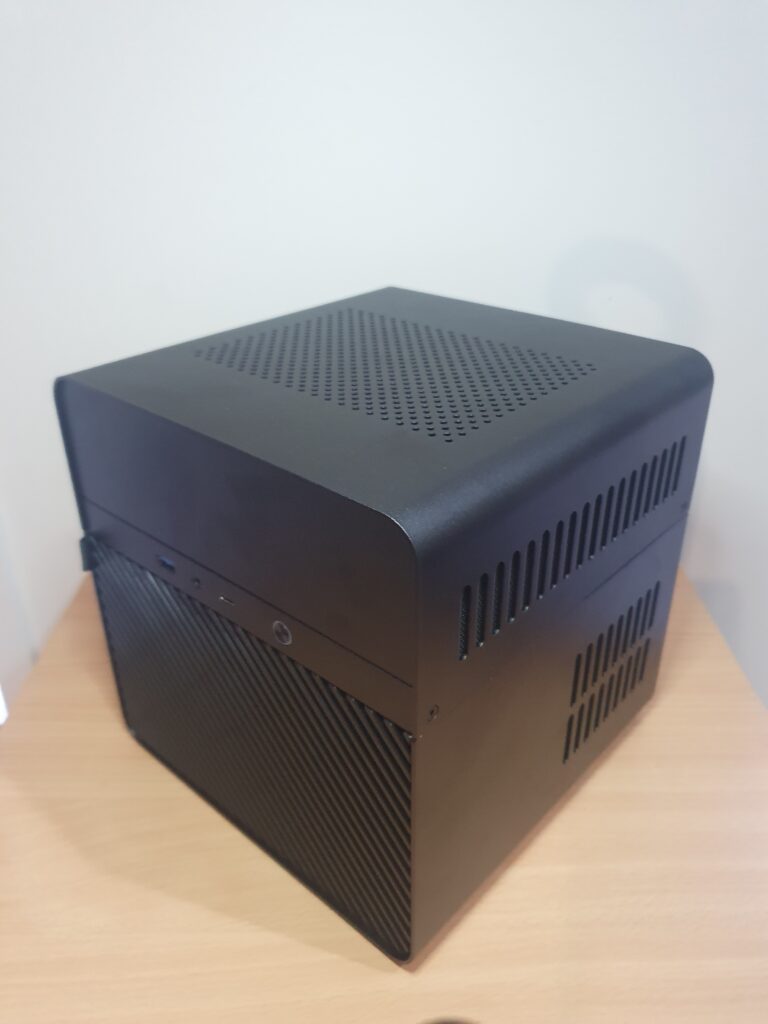
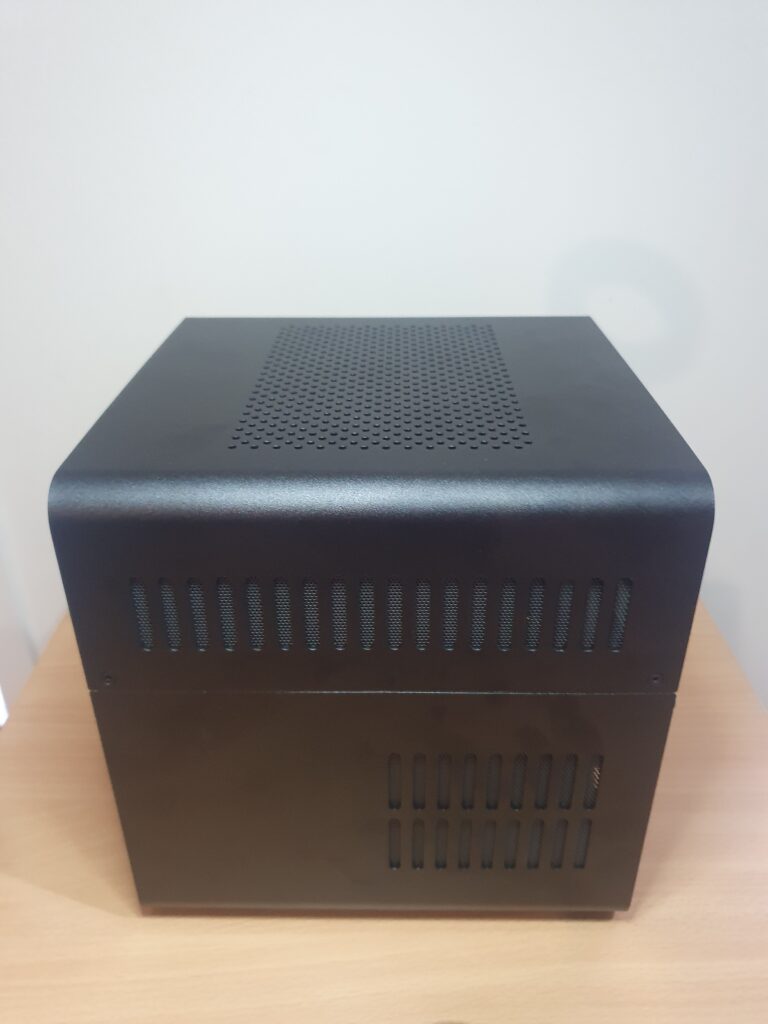
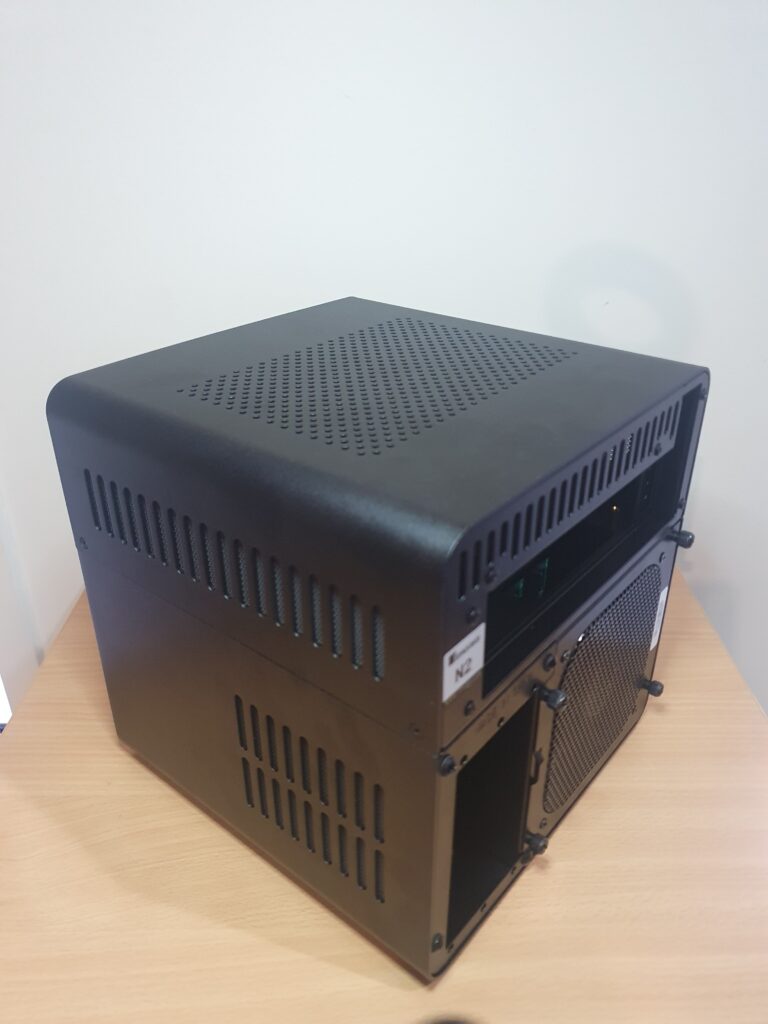
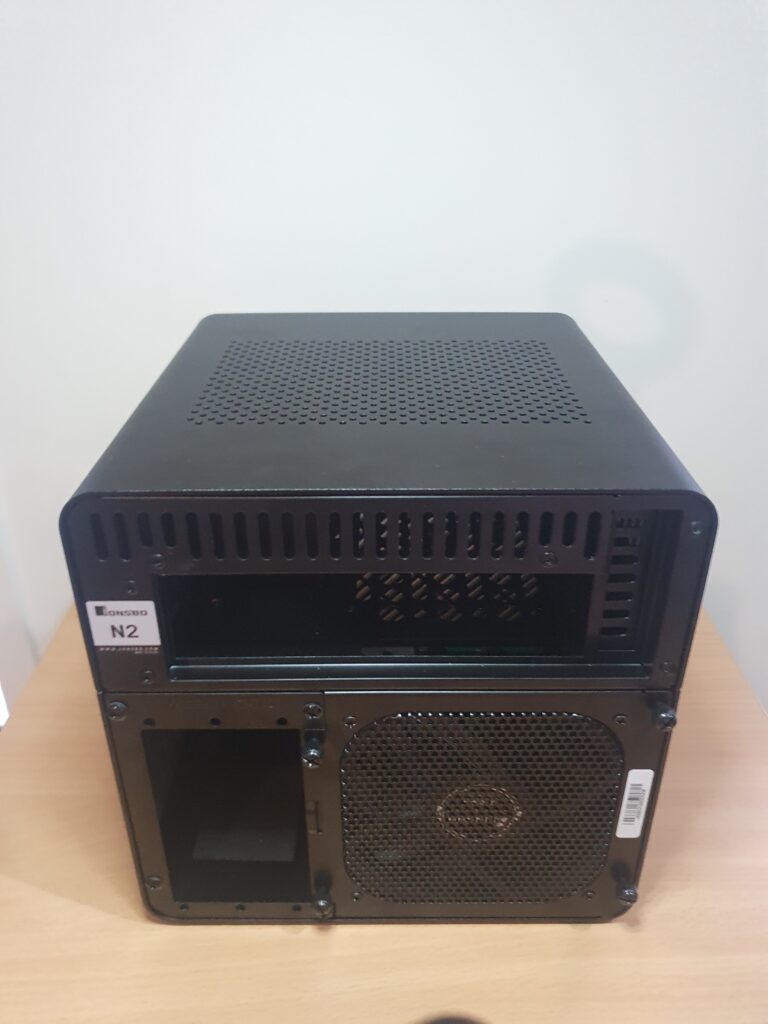
Case: Jonsbo N2
A compact, well designed NAS chassis with excellent airflow and easy HDD access.
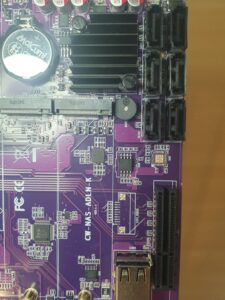
Motherboard: CWWK-NAS-ADLN-K
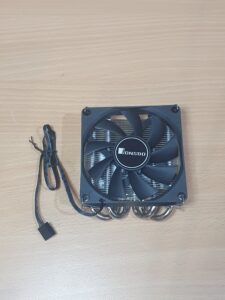
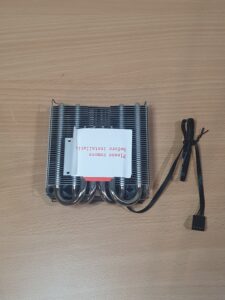
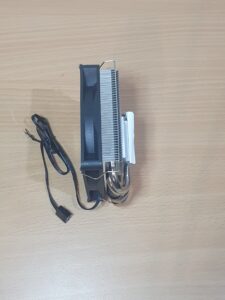
This board includes six SATA ports, dual network ports, NVMe slots, and integrated CPU cooling.
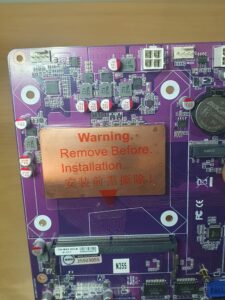
CPU: Intel N355
This processor comes with the motherboard and includes a pre mounted stock fan and radiator.
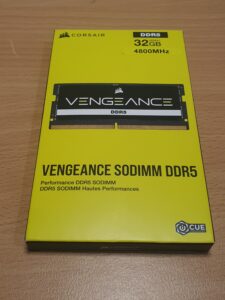
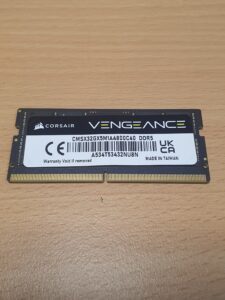
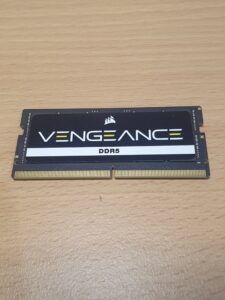
Memory (RAM): 32 GB DDR5 SO-DIMM 4800 MHz
More than enough for Proxmox, virtual machines, and ZFS based workloads.
Storage Controller: HBA IT-mode controller
Used to provide reliable direct access SATA connections for the HDDs. (IT-mode ensures drives are passed through cleanly without RAID interference.)
OS Storage:
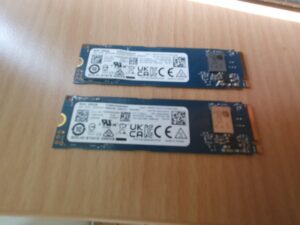
2 × NVMe M.2 2280 – 256 GB
Configured for the hypervisor and virtual machines.
File Storage:
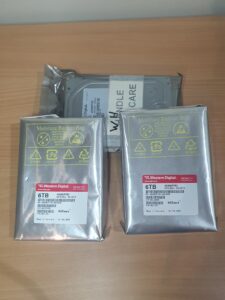
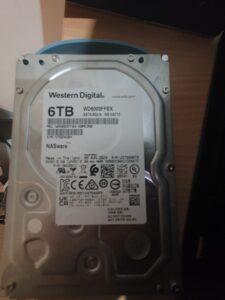
4 × WD Red – 6 TB HDD
- 2 × WD Red Pro
- 2 × WD Red Plus
(These drives are designed for NAS workloads, vibration tolerant, and rated for 24/7 operation.)
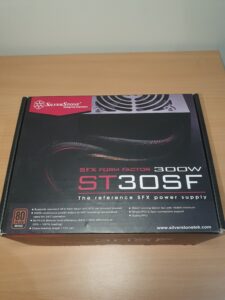
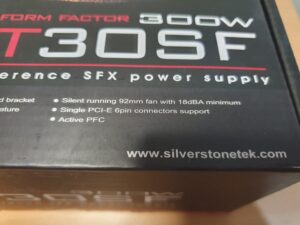
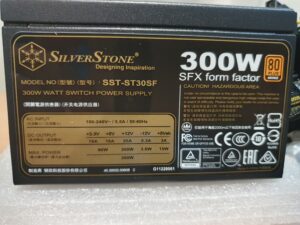
Power Supply: SilverStone ST30SF
A compact, efficient SFX unit with enough power for a full NAS and HBA setup.
Extras:
- Mini-SAS to 4× SATA breakout cable (for the HBA)
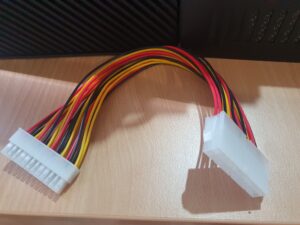
- 24-pin PSU extension cable (optional but useful for more space and a cleaner cable routing)
Case
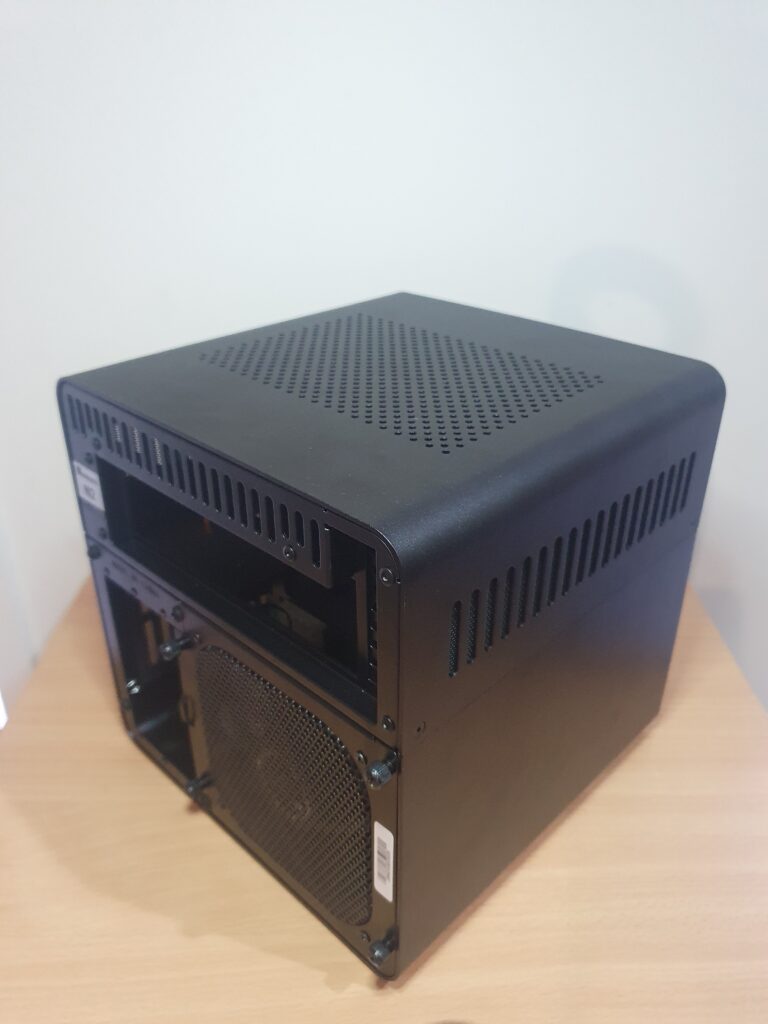
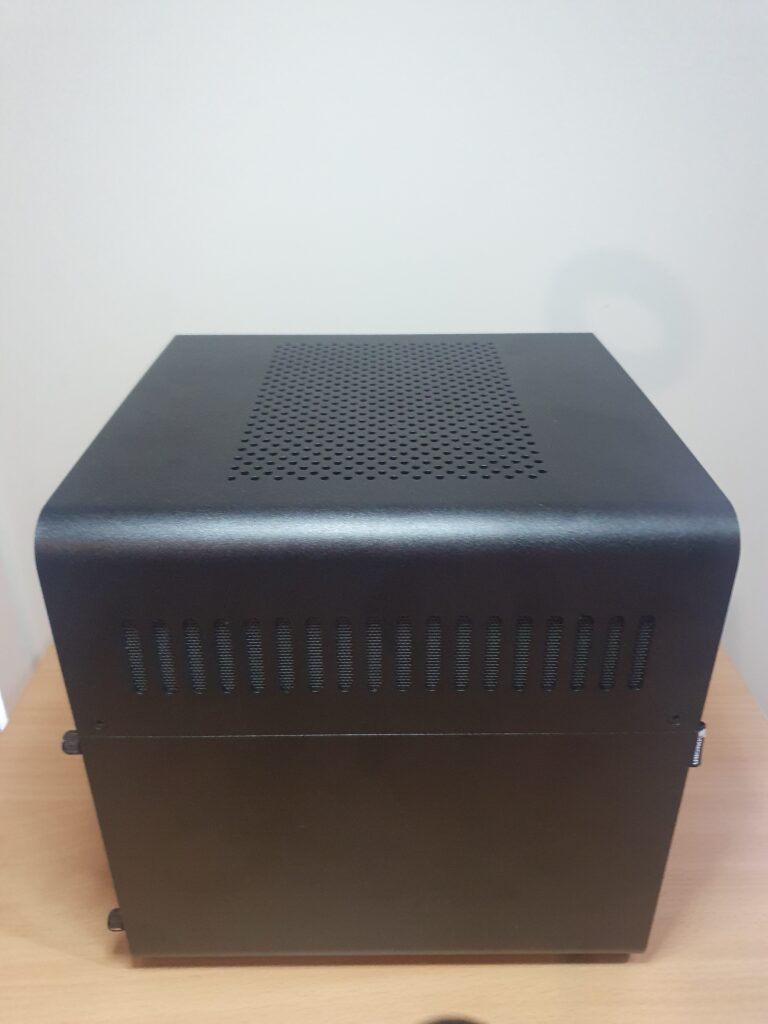
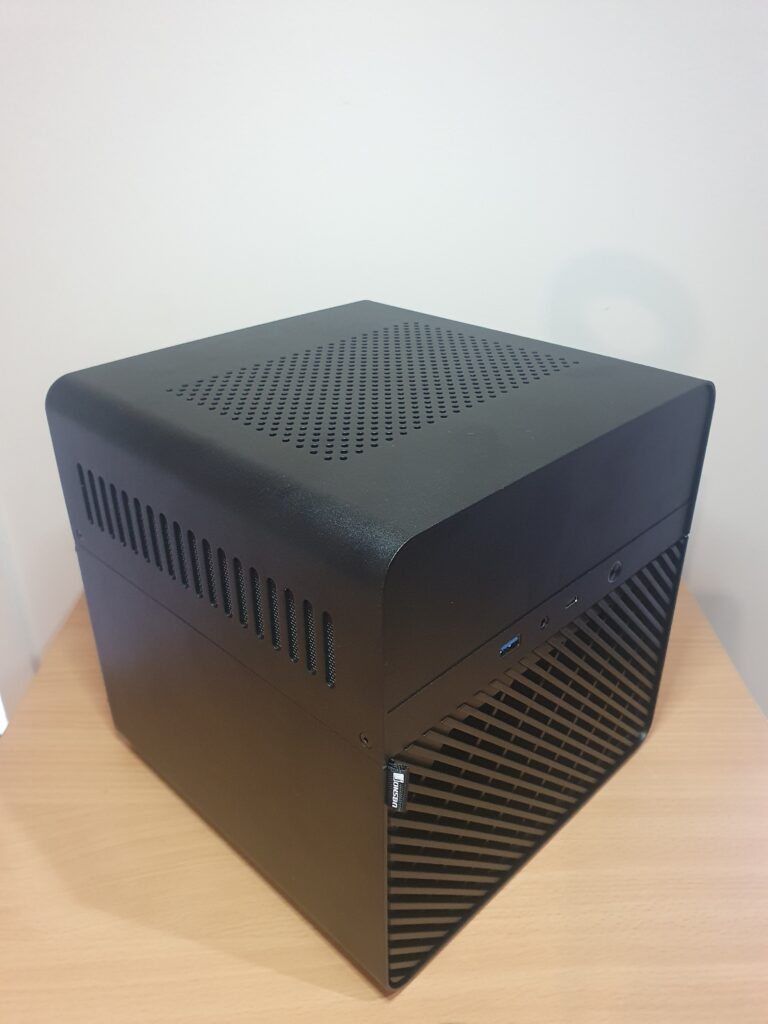
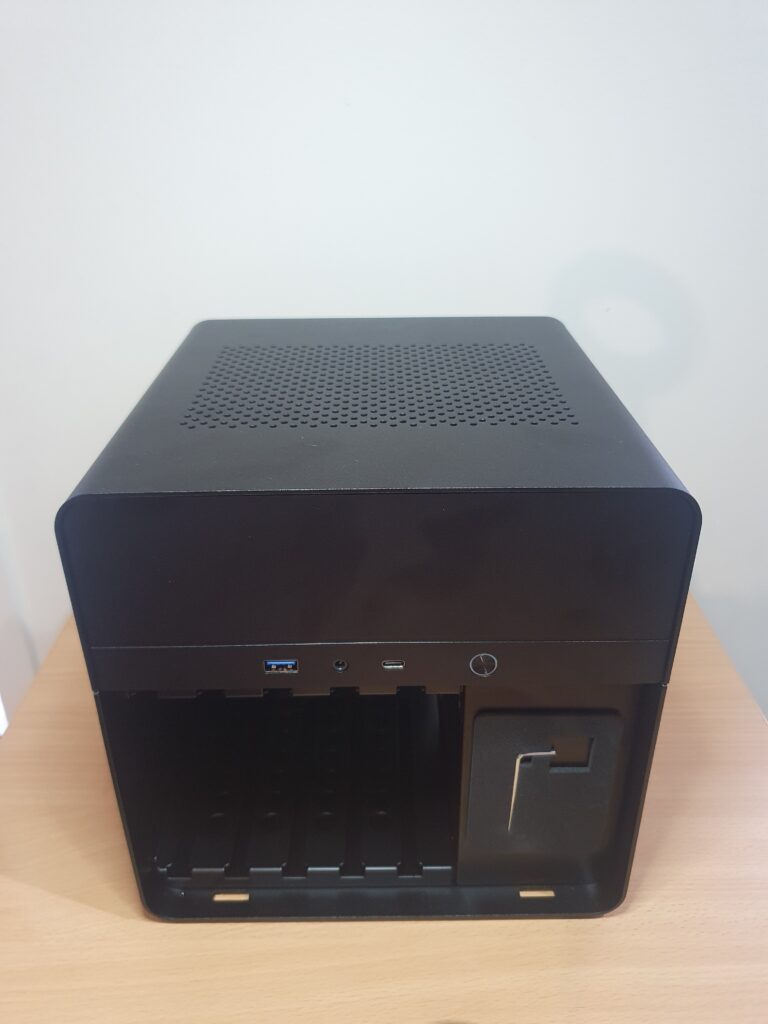
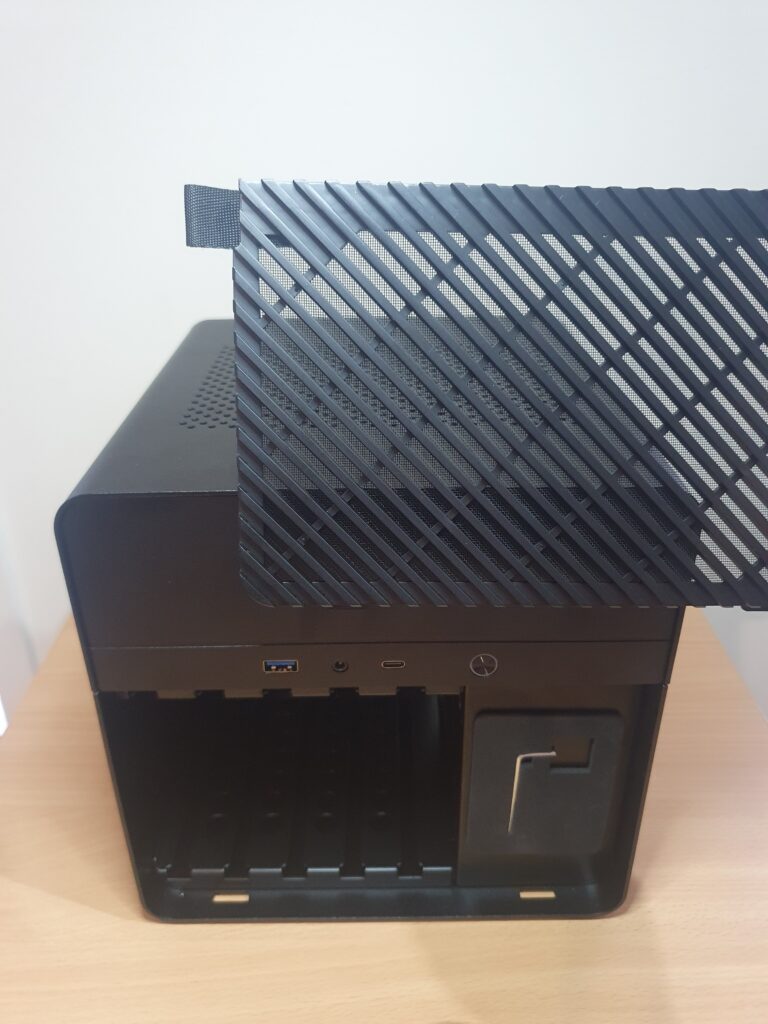
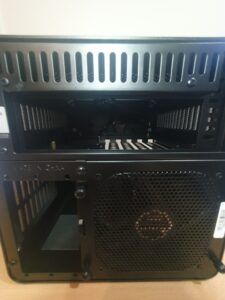
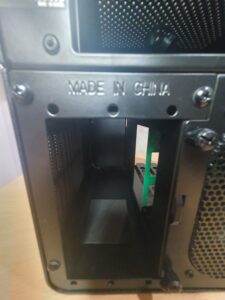
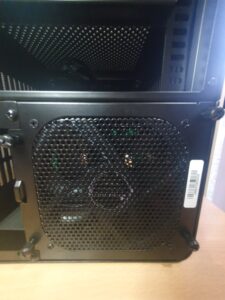
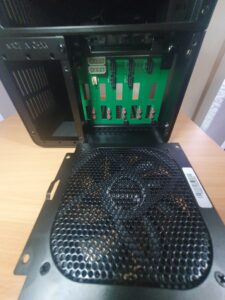
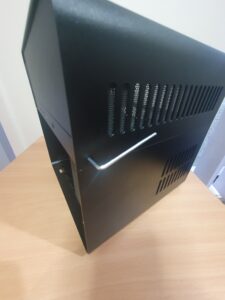
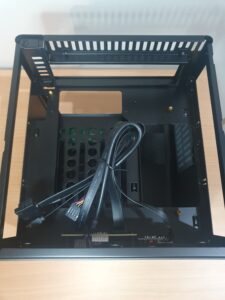
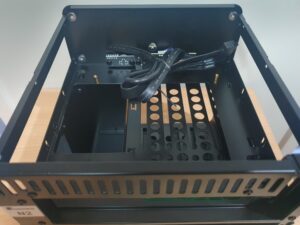
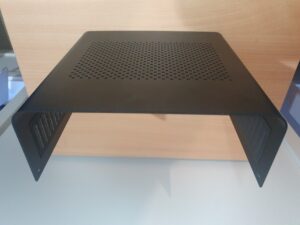
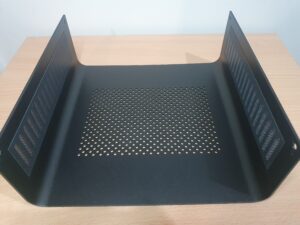
The Jonsbo N2 case is an excellent compact NAS enclosure with impressive build quality. Everything arrived in perfect condition, and all components fit together precisely. The case was well-packaged to prevent damage during shipping, and every screw aligned correctly with no signs of vibration or flex.
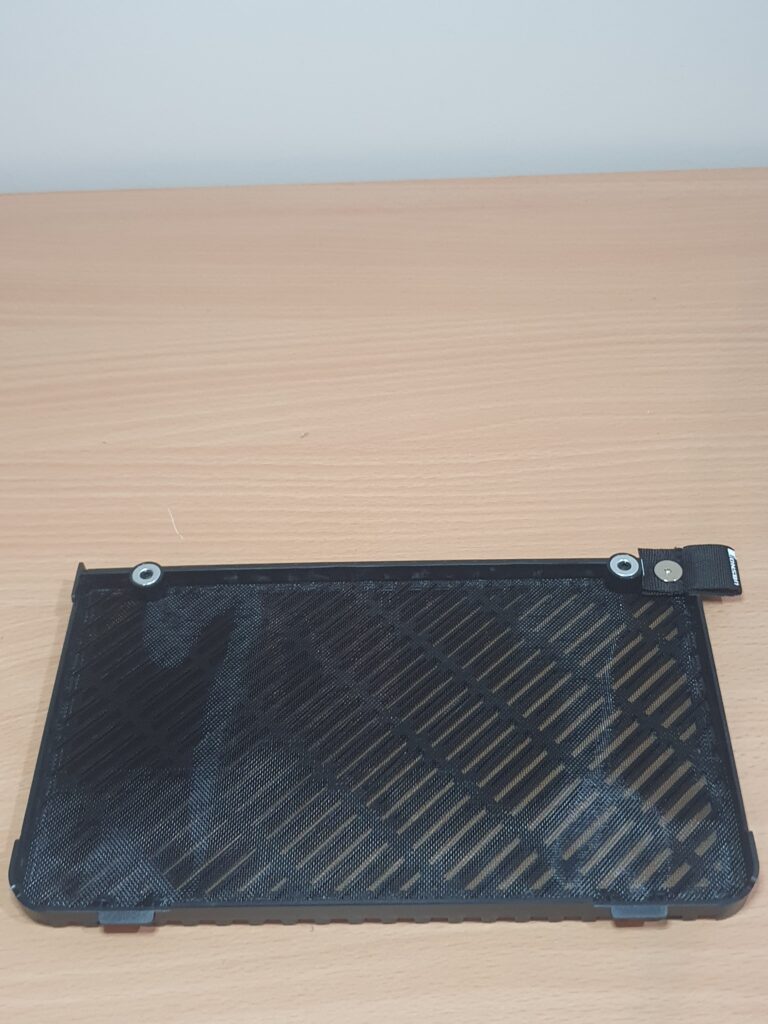
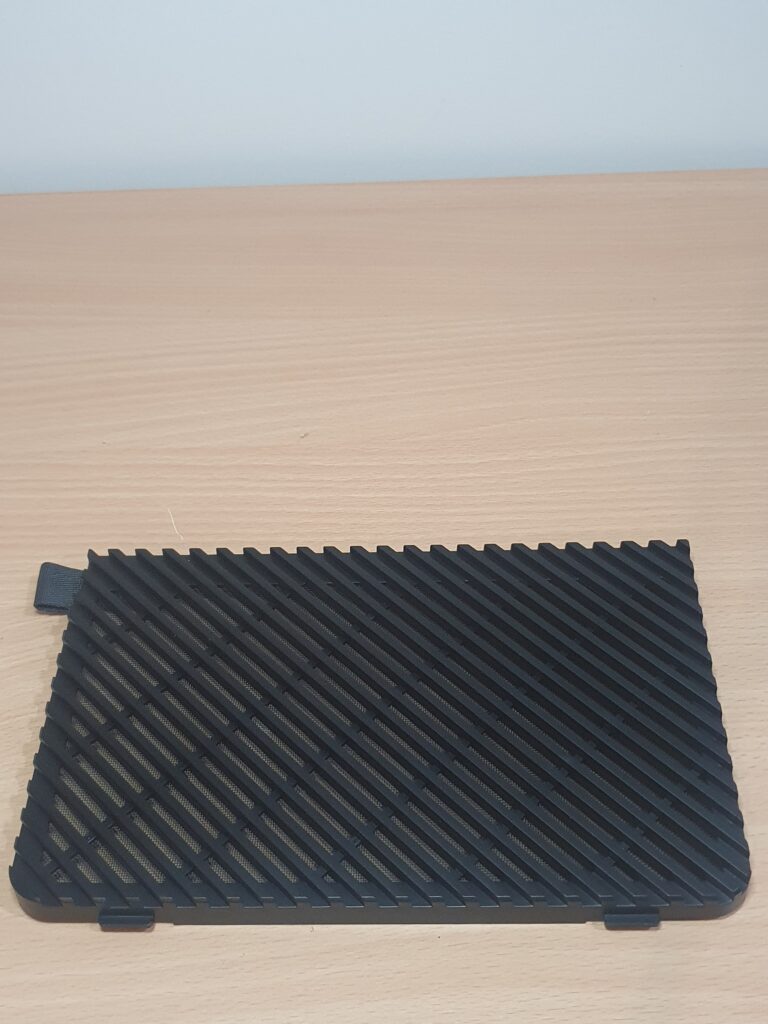
Inside the magnetic front mesh cover, Jonsbo includes a small Allen key/wrench, which is used to open the top panel for easy internal access. The case also features a built-in PSU mounting bracket, allowing the power supply to be secured firmly in place.
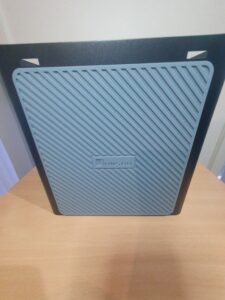
The base of the case is fitted with a thick rubber anti vibration pad, which helps absorb drive vibrations and reduces noise when placed on hard surfaces.
The N2 offers five hot swap drive bays, making drive installation and replacement quick and convenient. A pre installed rear exhaust fan helps pull air across the HDDs to maintain proper cooling. However, the fan is currently powered directly from the rear SATA backplane, causing it to run at full speed at all times. This means some creative fan control adjustments will be needed, either through a fan controller, motherboard header, or a low-noise adapter to reduce noise while maintaining airflow.
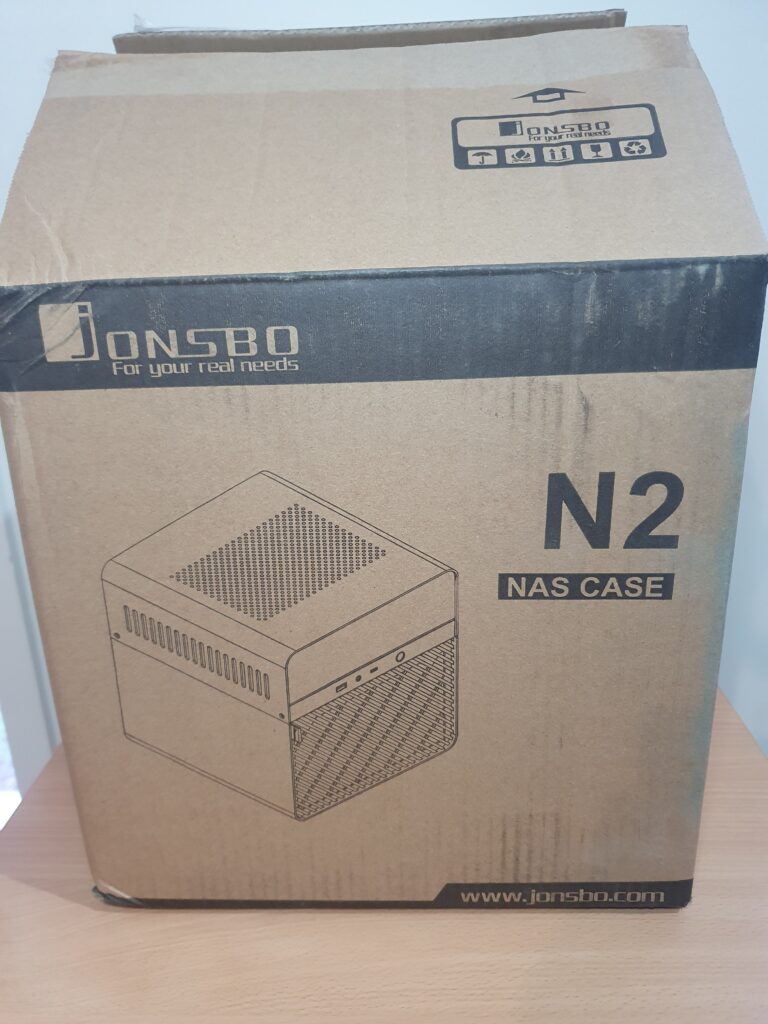
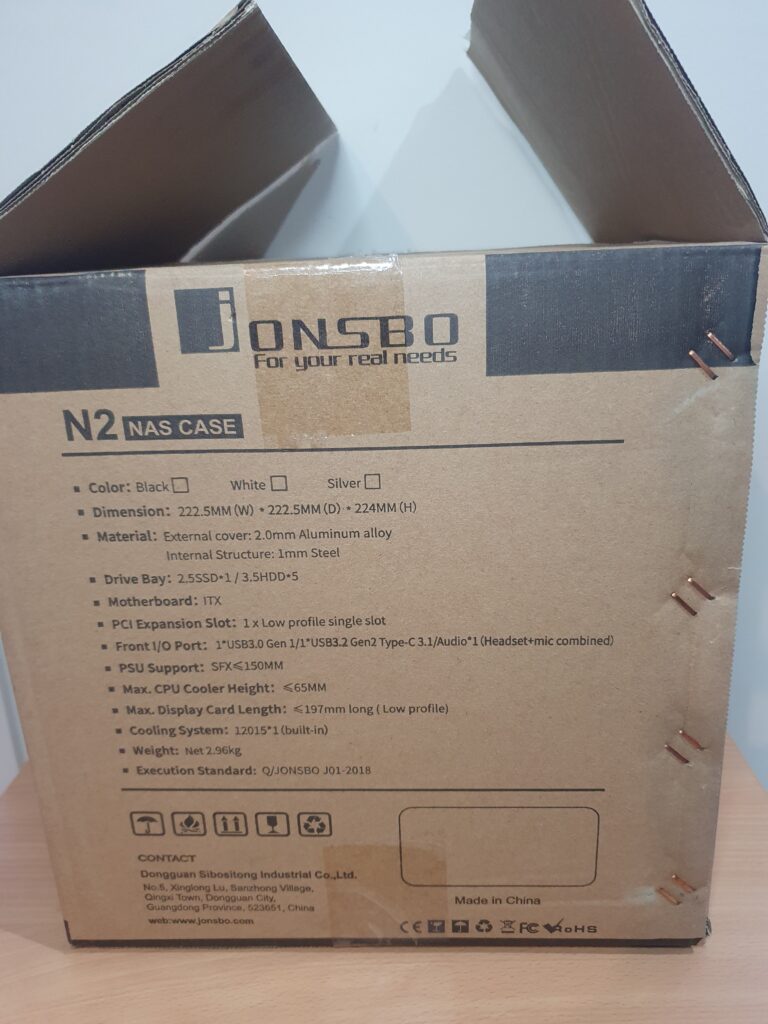
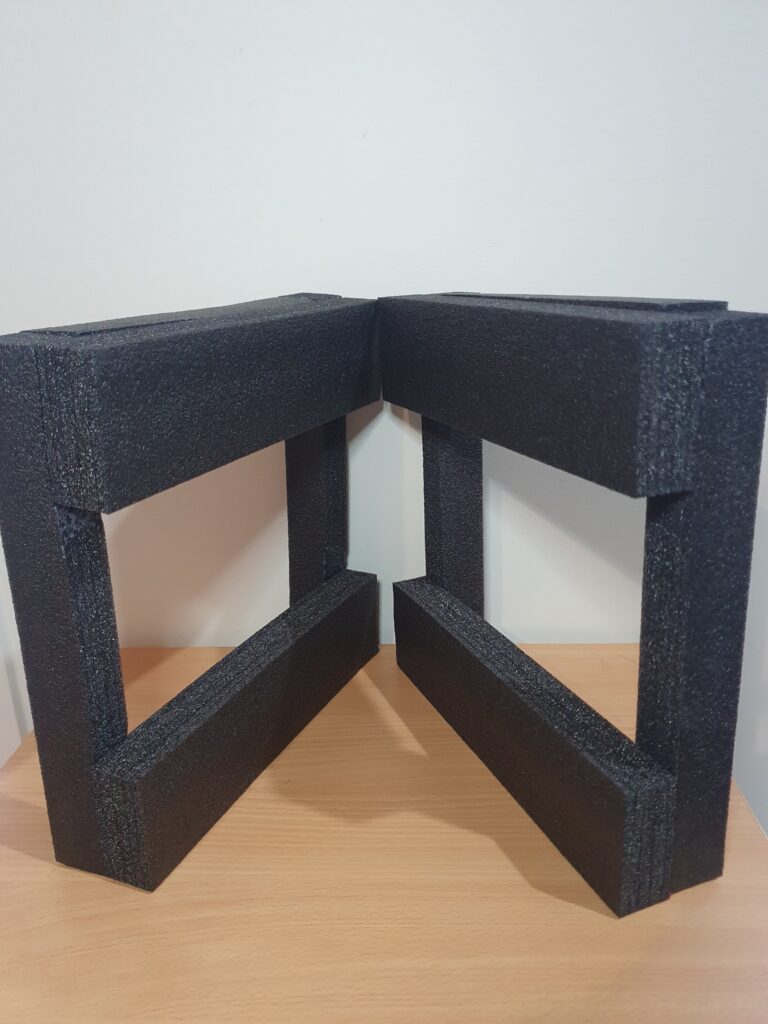
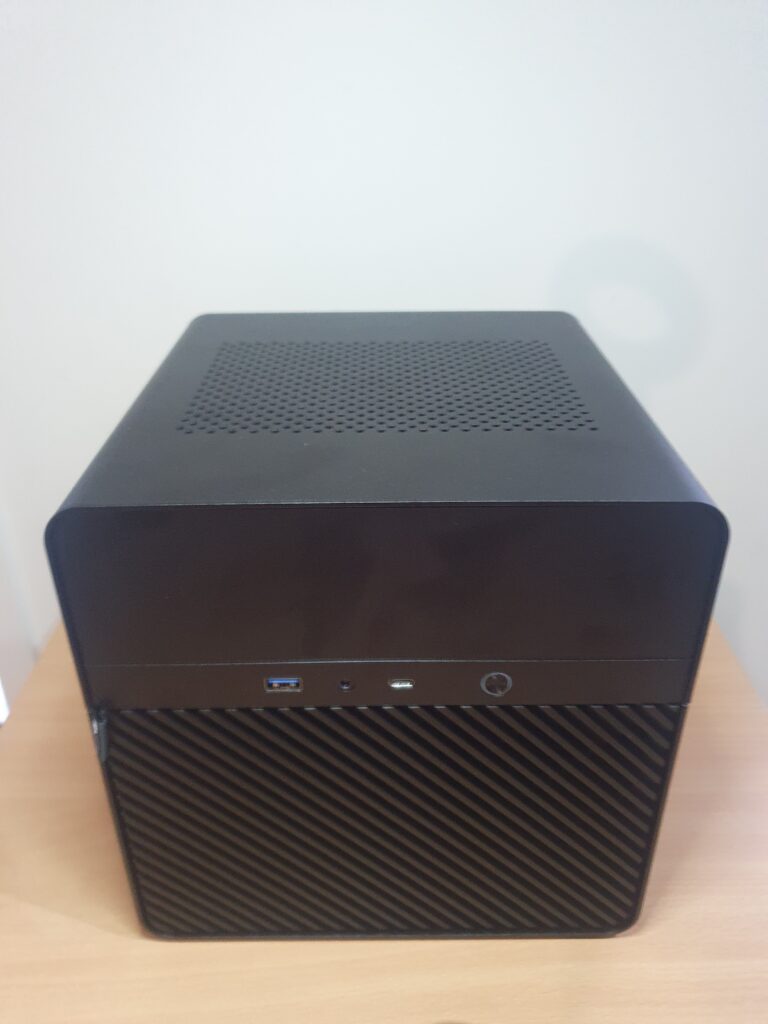
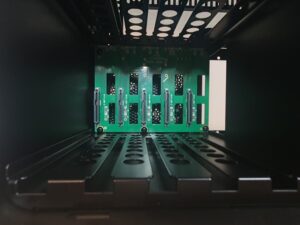
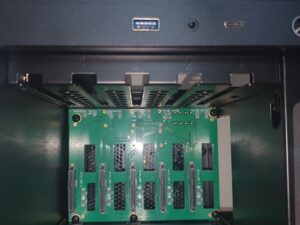
Motherboard
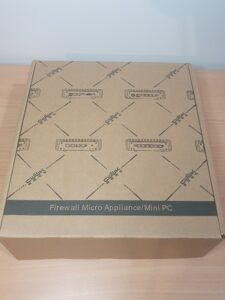
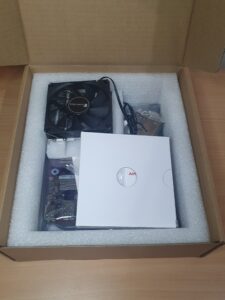
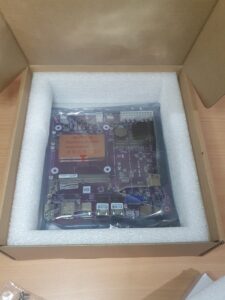
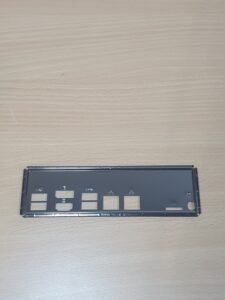
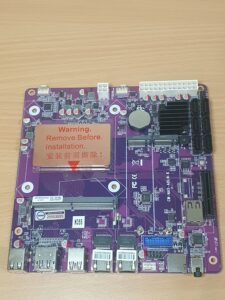
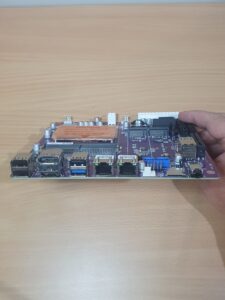
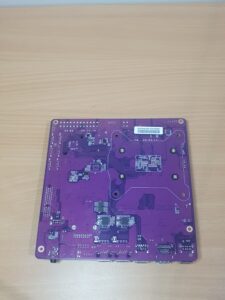
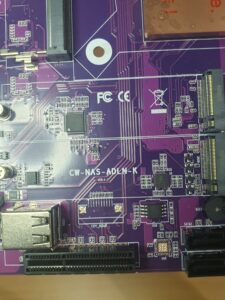
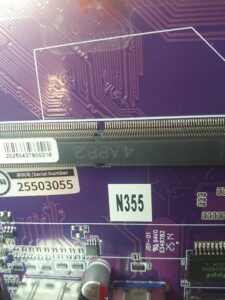
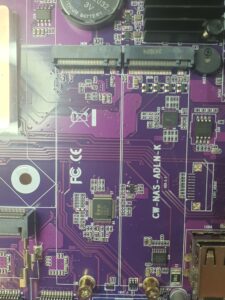
This motherboard is genuinely impressive in both build quality and presentation. It arrived securely packaged, with all components neatly protected, something you always appreciate when dealing with sensitive electronics.
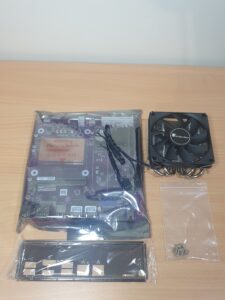
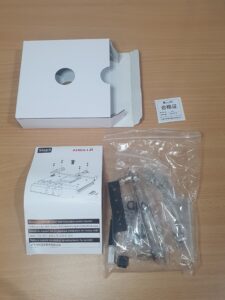
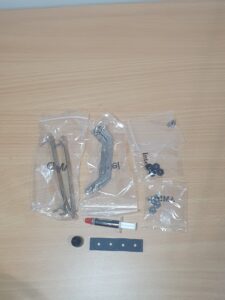
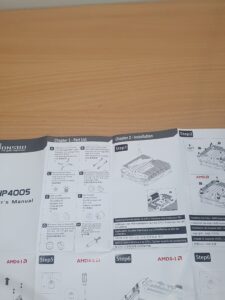
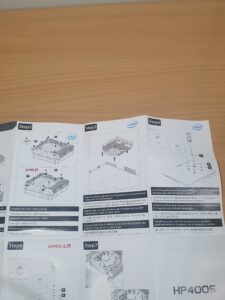
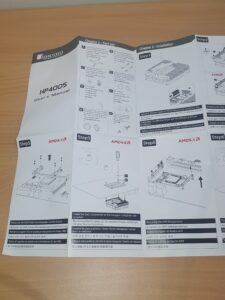
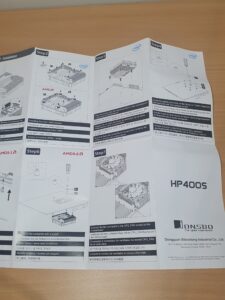
Inside the box, you’ll find a complete set of mounting brackets for the included CPU radiator/heatsink assembly. These brackets support both Intel and AMD mounting standards, making the board surprisingly versatile despite being part of an embedded NAS focused lineup. A small tube of thermal paste is also included, which is a nice touch and removes the need to purchase additional materials for the CPU installation.
The PCB itself feels solid, with clean soldering, well-placed components, and a layout clearly designed for NAS efficiency, plenty of accessible headers, clear labeling, and minimal cable obstruction once installed. The I/O and internal connector quality is also above average for boards in this category, adding confidence in long term reliability.
Overall, the CWWK-NAS-ADLN-K motherboard gives a strong first impression and sets the tone for a stable and capable NAS build right from the start.


CPU
The Intel N355 is part of Intel’s efficient Alder Lake-N series and strikes a perfect balance between low power consumption and surprisingly capable performance. Although slightly more powerful than the popular N100/N150 chips, it maintains the same ultra-efficient design that makes it ideal for 24/7 home server workloads.
Its integrated UHD Graphics provide enough performance for media transcoding, which is essential for users running Plex, Jellyfin, or similar media services without a dedicated GPU. The chip’s low TDP means quiet operation and cool thermals, which are especially valuable in compact NAS enclosures.
For users wanting a bit more overhead for virtual machines, Docker containers, or lightweight hypervisor tasks, the N355 offers just enough extra horsepower to keep things responsive without sacrificing efficiency.
Memory (RAM)
The build uses a single 32GB of DDR5 4800MHz SODIMM memory (JEDEC which is the minimum stable speed baseline), which provides ample headroom for a modern NAS running a mix of services, applications, and potential virtual machines. DDR5 offers better bandwidth and efficiency compared to DDR4, twice as fast, helping ensure smooth operation for tasks that involve large data transfers, caching, or multiple simultaneous users.
Although the N355 platform does not support ECC (Error Correcting Code), the high-quality DDR5 module is perfectly adequate for home and prosumer NAS builds, especially when following good backup practices such as the 3-2-1 rule. The motherboard supports up to 48GB of single ram.
Storage Controller
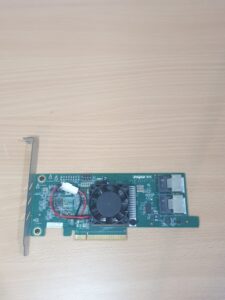
The dedicated HBA (Host Bus Adapter) in IT mode is essential for anyone planning to use advanced file systems such as ZFS, Btrfs, or to give the NAS software full control over the attached drives. IT mode strips away RAID functionality and exposes each drive individually (JBOD), ensuring maximum compatibility and data integrity.
This controller provides SAS/SATA support and allows the connection of multiple HDDs through a single PCIe slot—perfect for compact NAS builds where expansion slots are limited. Reliability, performance consistency, and direct disk passthrough are the main reasons this controller is strongly recommended by TrueNAS and Proxmox users alike.
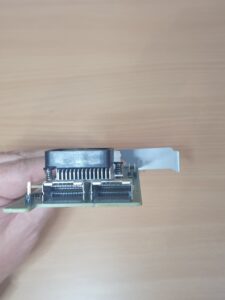
This LSI 9207-8i SAS2.1 HBA is a halfsized / low profile PCIe controller which will fit into the case. It is considered a medium enterprise type controller and generates a little extra heat so there is a fan mod attached as seen.
The internal connectors are 2x Mini-SAS SFF-8087 connectors, which break out to support 8 total 6Gb/s SAS/SATA connections.
Operating System Storage 2× NVMe M.2 2280 (256GB Each)
To ensure redundancy and fast system performance, the build includes two NVMe M.2 SSDs configured in RAID 1 for the operating system. This setup provides Fast boot and application loading, Redundancy in case one drive fails, Smooth performance for virtual machines and containers, Reduced wear on the mechanical HDDs.
Using dedicated SSDs for the OS is a best-practice recommendation, as it keeps the HDD array focused solely on file storage duties.
File Storage 4× WD Red 6TB HDD (2× PRO, 2× Plus)
The storage pool consists of four WD Red 6TB drives, a mix of Plus and Pro models. Both drive types are optimised for NAS environments, offering features such as 24/7 operational design, Low vibration and noise levels, NASware firmware for improved reliability, Excellent compatibility with RAID/ZFS/Btrfs.
Using a combination of Plus and Pro models can provide a balance between cost, performance, and longevity. These drives are ideal for bulk file storage, media libraries, backups, and general NAS workloads.
Power Supply
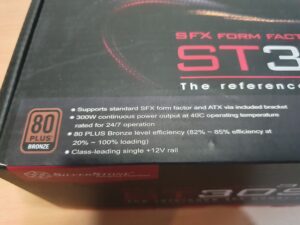
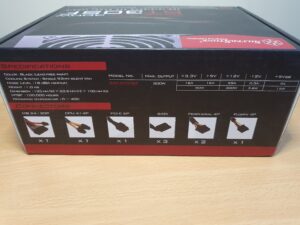
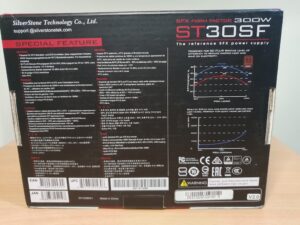
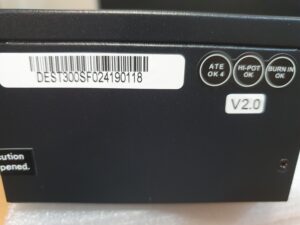
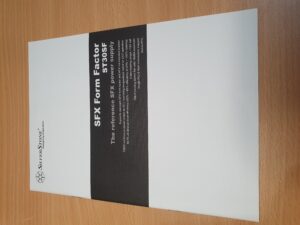
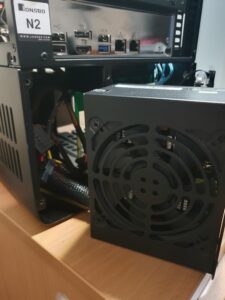
The SilverStone ST30SF is a high quality SFX power supply known for reliability and stable power delivery. With 80+ Bronze efficiency, it provides a clean and efficient power profile suitable for low-power processors and multiple HDDs.
Its compact form factor makes it a perfect fit for the Jonsbo N2’s tight internal layout. The fan is quiet during normal operation, and the unit offers enough connectors to accommodate the drives and system components without requiring additional adapters in most setups.
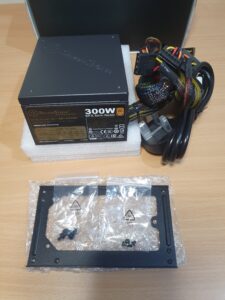
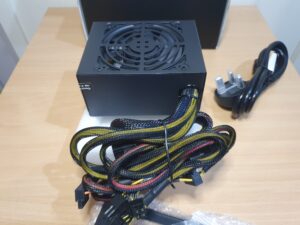
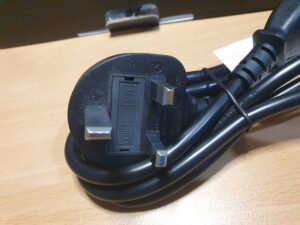
I didn’t use the adapter plate supplies as the plate on the N2 case fits the PSU perfectly. The power cord was not Australian but I didn’t care as I have many cable laying around with the correct plug.
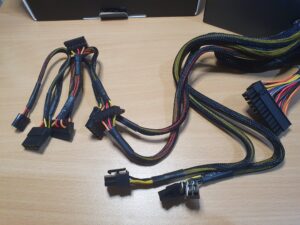
It has a 24 pin mail power plug, 4 pin power plugs (one for MB), 3x SATA power cables and 3x molex power plugs which are used on the SATA back plate in the N2 case.


Extras & Accessories
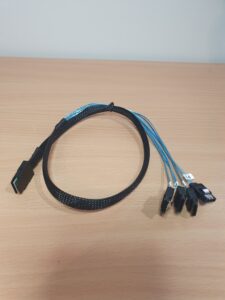
SAS to SATA Breakout Cable
The HBA requires a Mini-SAS (SFF-8087 or SFF-8643 depending on your model) to 4× SATA breakout cable. This cable connects the HBA directly to the case backplane or individual drives.
PSU Extension Cable
Because of the compact layout of the Jonsbo N2, a 24-pin PSU extension cable is extremely useful. It allows cleaner cable routing and reduces tension on the main power connector—helping the build look tidy and improving airflow.
Now to see how it all fits together.