
Configuring TrueNAS Scale storage
For anyone following along building their NAS you are really seeing that there is a lot of work to do, especially if you want to to for for your specific requirements. Now we are going to configure our storage and assign a static IP address so it always stays the same for easy access.
Part 1 Create the ZFS Pool
This will set my four 6TB WD RED HDDs into a raidZ2, 12TB of usable storage and the other two HDDs will be for redundancy. If I want alter I can always add another HDD of the same size to the same raidz2 and have 18TB of storage. The N2 case will accept five HDDs.
Open Pool Creation
Navigate to Storage > Create Pool, this should bring you to the Pool Creation Wizard.
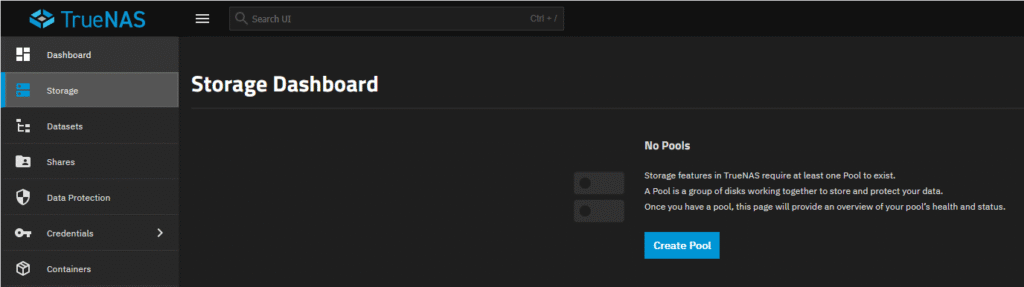
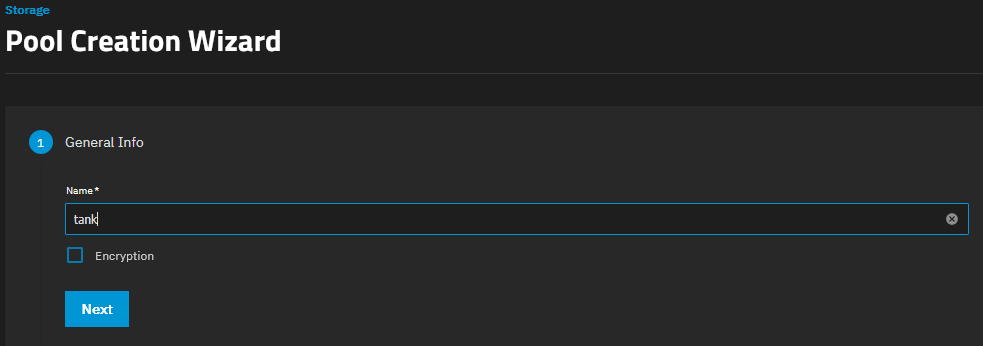
1, General Info, add name “tank“. Click Next.
Do not select Encryption unless you know you need it.
2, Data. To the far right you will see an Unassigned Disks section showing that the 4x HDDs have not been assigned yet.
Layout, set this to RAIDZ2.
Underneath in the Automated Disk Selection will automatically assign all 4 HDDs because RAIDZ2 requires a minimum of 4 HDDs to operate.
You can now see this by looking at the far right and seeing no disks listed in the Unassigned Disks section.
Click Next.
3, Log leave empty.
4, Spare leave empty.
5, Cache leave empty.
6, Metadata leave empty.
7, Dedup leave empty or OFF.
8, Review. Check this is showing your pool name and the raidz2 with 4xHDDs.
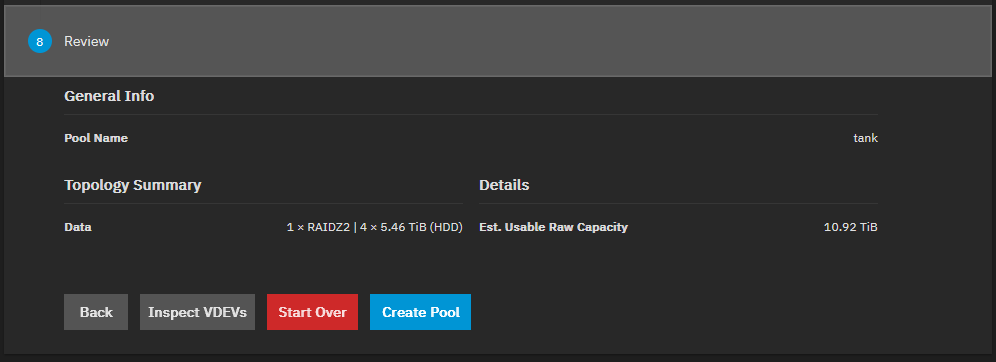
If happy click on Create Pool.
You will get a Warning box. Tick Confirm and then click Continue.
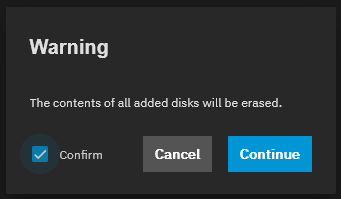
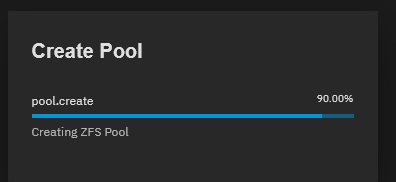
The pool will be created.
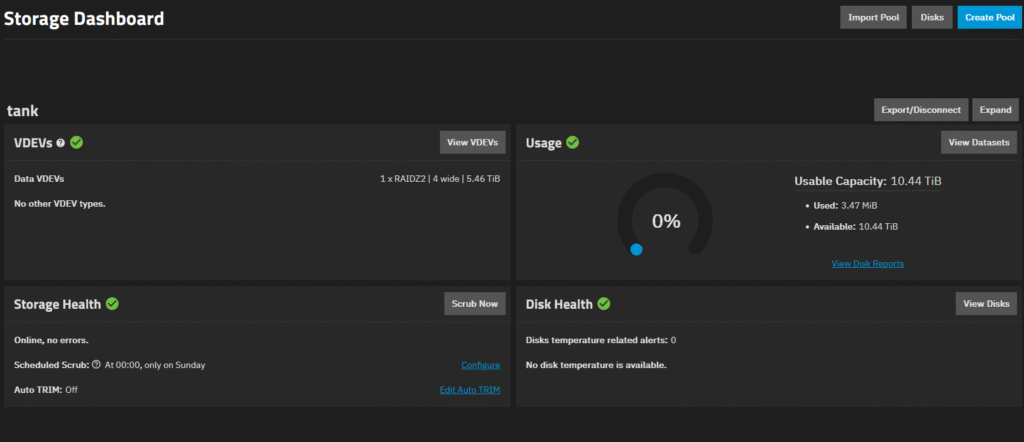
Once complete you should see your “tank” in the Storage Dashboard.
Part 2 DATASET CREATION
This is a tree list on how the dataset will be created.
tank
├── apps
├── nextcloud
├── media
│ ├── movies
│ └── tv
└── backups
For every dataset unless told otherwise this is what we be used: (Default Values)
- Compression: lz4
- Dedup: OFF
- Sync: Standard
- Record Size: Default unless specified
- ACL Type: POSIX
- ACL Mode: Restricted
- Case Sensitivity: Sensitive
Dataset – Apps
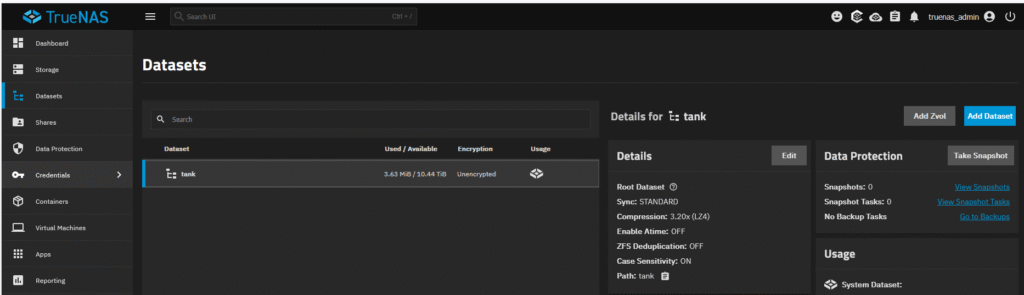
Navigate to Dataset > Add Dataset.
Name: apps
Dataset Preset: Generic.
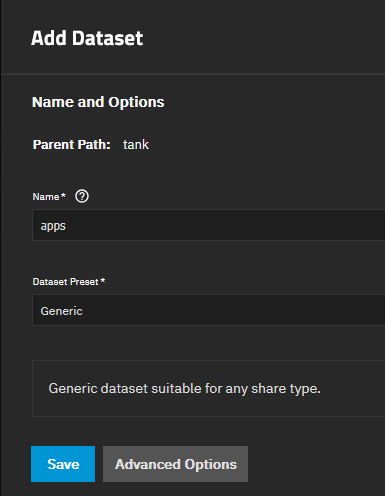
Open the Advanced options and amend what ever fields you can in relation to the Default Values mentioned at the start of Dataset Creation. Write them down if this will help with each dataset creation.
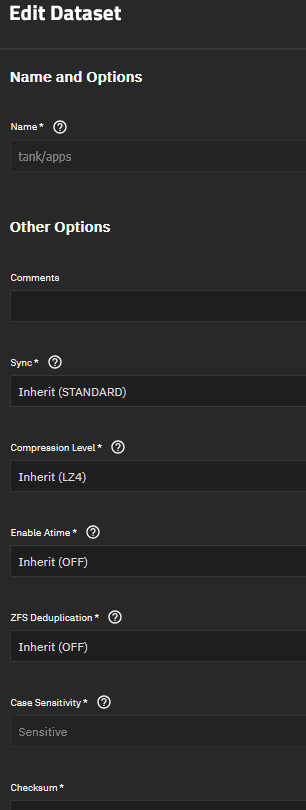
Dataset – Nextcloud
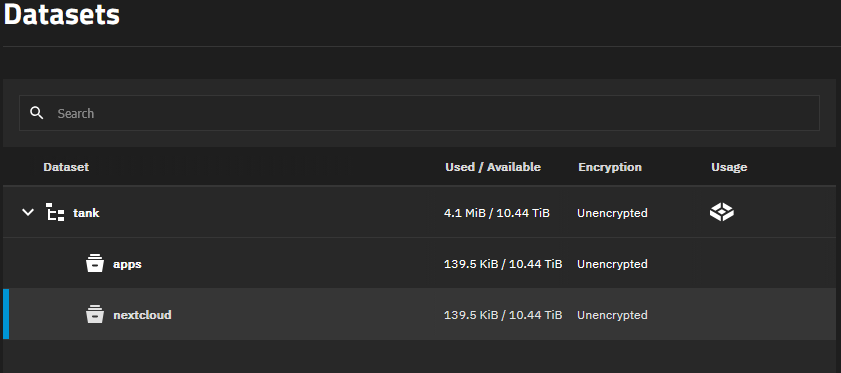
Create a dataset named “nextcloud” the same as before but just remember to click on the “tank” data set to add the new dataset in that location, otherwise the new dataset will be created under “apps“. Same with the Advanced Options.
Dataset – Media
Do the same to make a “media” dataset. This is a parent dataset for the two datasets that will be created within.
This time a slight change, make the Record Size 1M.

Dataset – Media – Movies
Navigate to Datasets > tank > media > Add Dataset
Add name “movies” and leave everything else as it is, it should all inherit from the media dataset.
Dataset – Media – TV
Navigate to Datasets > tank > media > Add Dataset
Add name “tv” and leave everything else as it is, it should all inherit from the media dataset.
Dataset – Backups
Create another dataset under “tank” called “backups” with the original default values.
The end result should look like this:
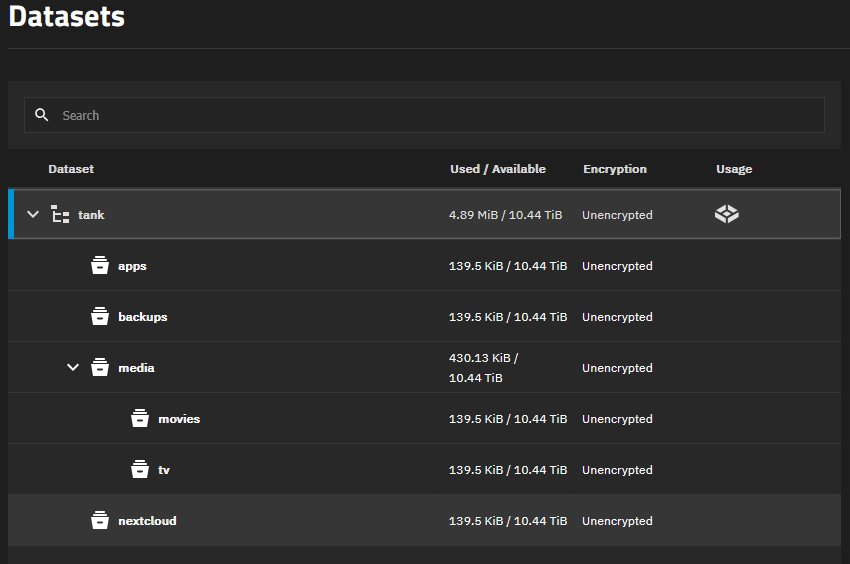
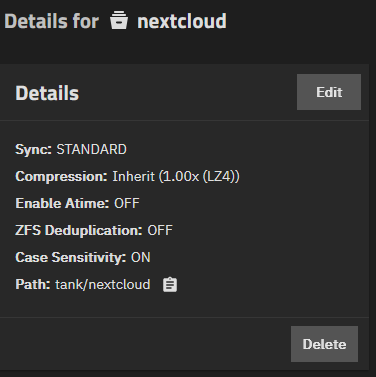
Just confirm each dataset is:
Compression: lz4
Dedup: off
This can quickly be done by looking at the panel to the right of the datasets that says Details for XXXX. Click on each dataset to check.
Now the datasets are created we have areas to store our data.
One last config for the datasets
Because we are going to need Host and Mount paths for all of our datasets.
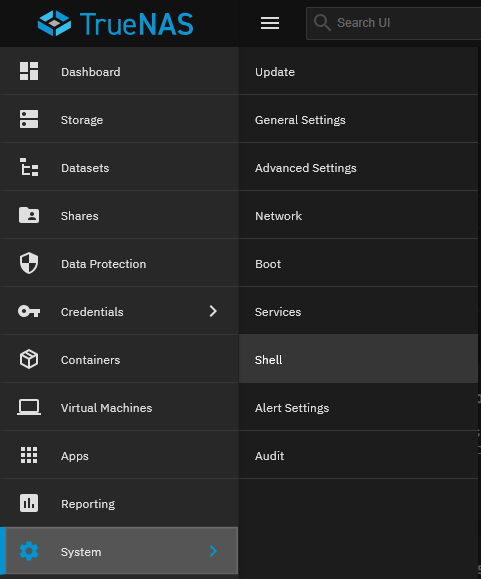
On the main left menu navigate to System and Shell. This is just like the console you used earlier.
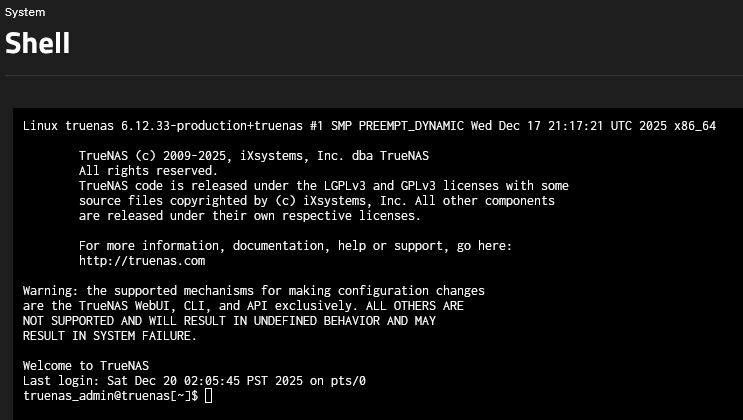
Copy these four commands one at a time:
Note: You will be asked to type your password in to continue the first time.
sudo mkdir -p /mnt/tank/apps/jellyfin/config
sudo mkdir -p /mnt/tank/apps/jellyfin/cache
sudo mkdir -p /mnt/tank/apps/jellyfin/transcode

sudo chown -R 568:568 /mnt/tank/apps/jellyfin
The apps dataset is where the software like Nextcloud and Jellyfin/Plex will be installed.
This will all be included in the next post.